A personal drive log
If you searched for a driving history app or a drive log app, JourneyDeck keeps a journal you start by hand. You decide which journeys to record. The archive starts on your iPhone.
 JourneyDeck
YOUR PERSONAL DRIVE JOURNAL
A private history of the roads you choose to keep: routes, places, photos and the songs that played. All on your iPhone.
THE ROAD / FREE
Manually start a journey on iPhone to save your route, distance, and drive time on your device. No account required.
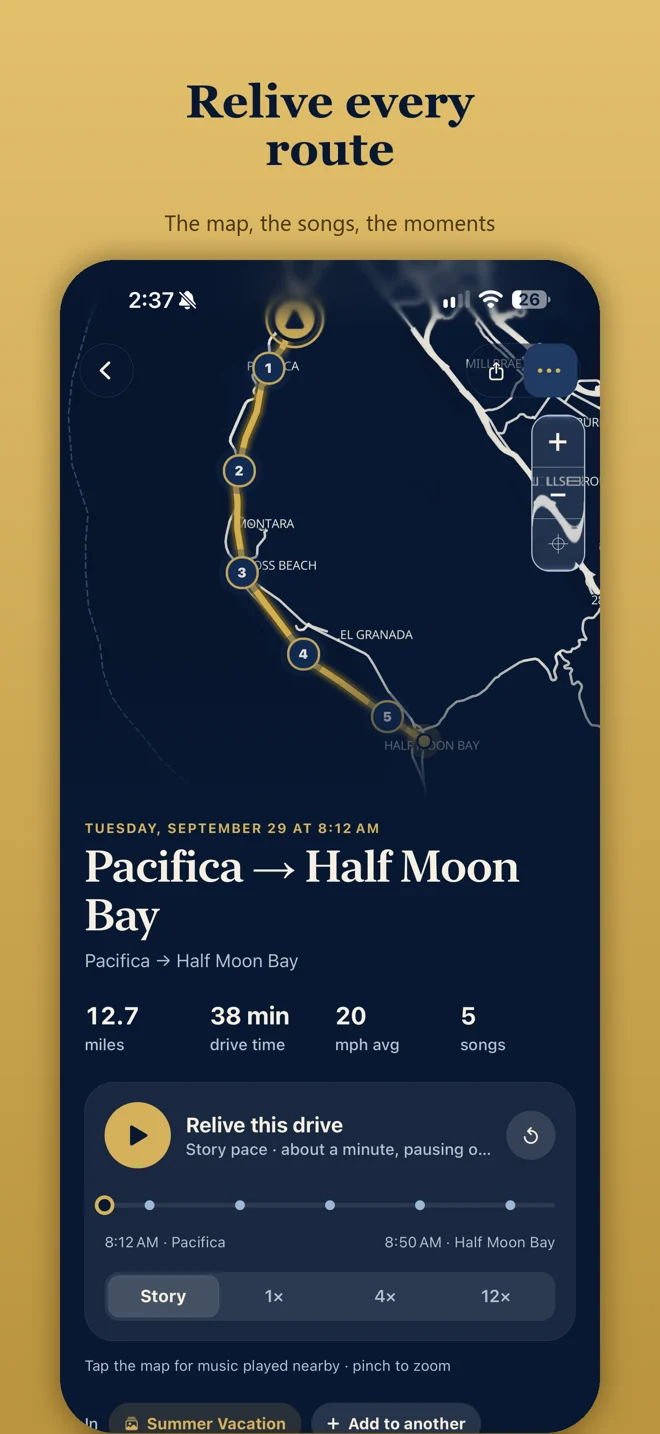
If you searched for a driving history app or a drive log app, JourneyDeck keeps a journal you start by hand. You decide which journeys to record. The archive starts on your iPhone.
Read the private driving journal overview and the privacy policy for how the archive stays on your device.
A private history of the roads you choose to keep: routes, places, photos and the songs that played. All on your iPhone.
No. JourneyDeck is not Apple Maps. It is a separate iPhone driving journal. You tap Start Journey when you want to keep a drive, then reopen that journal on your device.
No. JourneyDeck is a personal drive journal, not a DMV driving record, not an insurance report, and not a mileage tax log.
No. You tap Start Journey when you want to keep a drive. Tesla owners can optionally connect Tessie to import vehicle drive routes. That requires JourneyDeck Plus and Tessie access.
Free recording includes today's journeys. JourneyDeck Plus unlocks Atlas and your complete locally stored history. Older local journeys are not deleted if membership expires.