The view, then the roll
Highway 1 is the kind of drive where you pull over every ten minutes because the view got even better. Then you get home and can't remember which cove was which.
 JourneyDeck
HIGHWAY 1 / YOUR ARCHIVE
A private iPhone journal for Highway 1. Route, miles and photos, saved on your phone. Works offline, even where the signal doesn't.
THE ROAD / HIGHWAY 1
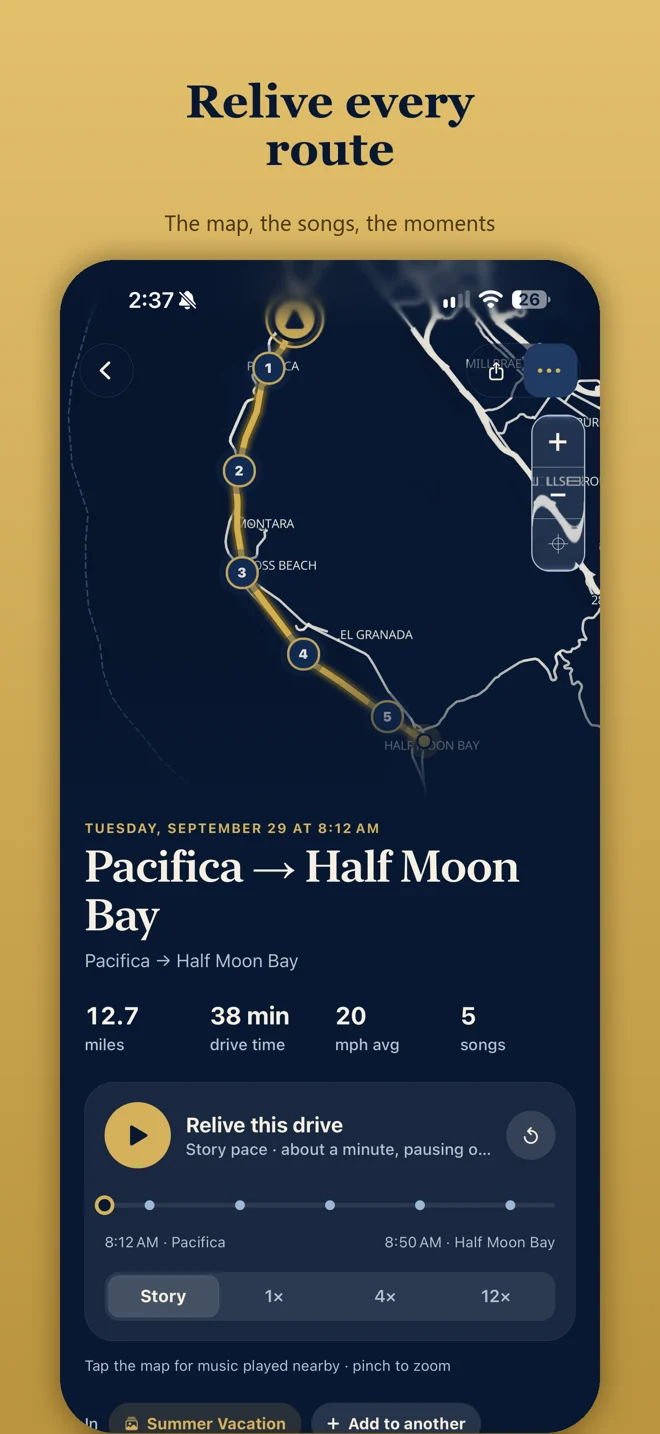
Tap Start Journey before Big Sur, put the phone down and drive. JourneyDeck saves the route, distance and drive time on your iPhone.
Highway 1 is the kind of drive where you pull over every ten minutes because the view got even better. Then you get home and can't remember which cove was which.
Tap Start Journey before Big Sur, put the phone down and drive. JourneyDeck saves the route, distance and drive time on your iPhone. Cell signal disappears for long stretches along that coast, and core recording still works offline.
Add your Bixby Bridge photos and a note to a Memory. Connect Apple Music if you want the playlist kept with the drive.
It's not navigation and it won't plan your stops. It just keeps the trip. Private, on your phone, no account.
Read the road trip journal app overview, how Apple Music soundtracks work, and the privacy policy.
There are also journals for Route 66, national parks, and Texas Hill Country.
No. You tap Start Journey when you set off and end it when you park.
No. Signal disappears for long stretches along the coast, and core recording still works offline.
No. It won't plan your stops. It just keeps the trip.